
Increase Image Size in KB Online – Free Image Size Increaser
Need a minimum file size for government portals, job applications, or college admissions? Increase your image's KB/MB to meet exact requirements — right in your browser. No upload, 100% private.
Drag & Drop your images here
or click to browse from your device
JPG · PNG · WebP · up to 10 images · max 20 MB each · 100% in-browser
💡 How it works: For JPEG/WebP, we max out encoding quality and upscale dimensions if needed. For PNG, we upscale dimensions (PNG doesn't support quality). If encoding cannot reach the target, extra image metadata may be added (some upload portals reject it). Some upload portals reject metadata padding or changed dimensions; verify all portal requirements.
Increase Image Size in KB Online — for Minimum File Size Rules
Some online forms require an uploaded photo or signature to be at least a certain number of kilobytes. This free image size increaser helps make JPG, PNG and WebP files larger in KB or MB, with preset targets for 50KB, 100KB, 200KB, 300KB, 500KB, 1MB, 2MB and 5MB. It runs in the browser and accepts up to 10 files at a time.
Use it only when an application says your image is too small. A minimum file size is different from a maximum size. For example, “at least 100KB” asks for a file no smaller than 100KB; “100KB or less” needs an image compressor instead.
How to Increase a Photo's File Size
Add your photo
Choose an existing JPG, PNG or WebP image from your mobile or desktop.
Choose minimum KB or MB
Select a ready preset, or type the minimum file size requested by your form.
Increase and download
Save the output and check file bytes, file type and image dimensions before submission.
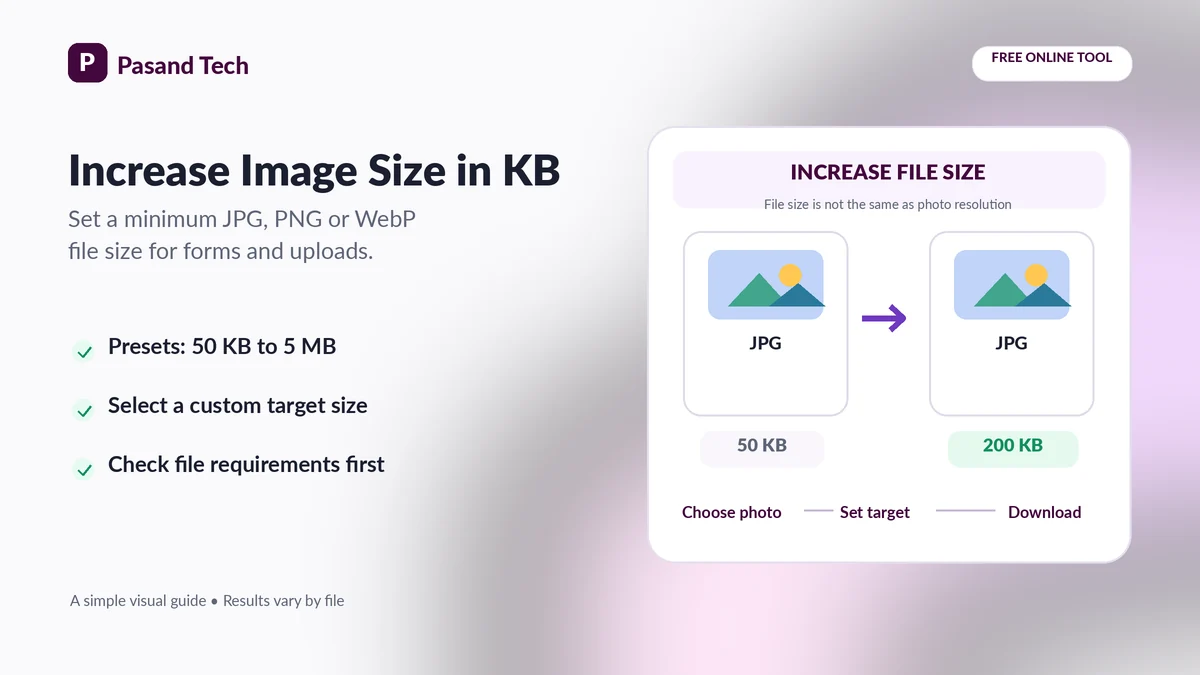
Image File Size (KB) vs Image Dimensions (Pixels)
These are two separate measurements. File size is the storage required for an image, measured in bytes, KB or MB. Resolution is the number of pixels across and down the image, such as 600 × 600 px. You can enlarge a file in KB without adding meaningful picture detail. Likewise, increasing pixel dimensions through resampling does not recover lost sharpness.
| Your form says... | What you need | Correct action |
|---|---|---|
| Minimum 100KB | File size must be at least 100KB. | Use the 100KB preset and verify the result. |
| Maximum 100KB | File size must not exceed 100KB. | Use an image compressor, not this increaser. |
| 50KB–200KB | A minimum and a maximum. | Choose a value inside the range; verify both bounds. |
| 300 × 400 pixels | Exact pixel width and height. | Use a proper image resizer or crop tool. |
| JPG only | Correct MIME / file format. | Select JPEG output and confirm the file extension. |
Common minimum image size presets
Use 50KB, 100KB, 200KB, 300KB, or 500KB only when your receiving form specifically requires that minimum. Government, recruitment, examination and university forms do not all use the same standards, and requirements can change.
Can you increase KB without losing quality?
Higher-quality re-encoding may make a file bigger, but it cannot add detail missing from the source. Other methods store additional metadata bytes; those can satisfy a raw file-size check yet fail a stricter validator. For the best result, use the sharp original image at the correct pixel size.
What to Check Before Submitting an Enlarged Image
Minimum & maximum
Read both ends of an allowed KB range. A bigger file may exceed a maximum.
Dimensions & crop
Check width, height, orientation, background and required aspect ratio.
Output compatibility
Use a format the portal accepts and verify that the downloaded file opens correctly.
Frequently Asked Questions
How do I increase image size in KB?
Upload JPG, PNG or WebP, choose a minimum size such as 50KB or 100KB, then process and download. The result is designed to meet or exceed the target byte count.
Can I increase a JPG image to 100KB or 200KB?
Yes. Select the 100KB or 200KB preset or enter a custom minimum. Check the target format and final file size before uploading it elsewhere.
Does increasing KB improve photo quality?
No. A larger number of bytes does not restore missing sharpness or detail from an already blurry image. The tool may re-encode, upscale or add metadata.
Can I increase file size without changing picture dimensions?
An image can sometimes gain bytes through higher-quality encoding or metadata. However, this tool can upscale dimensions when the first encoding is too small, so verify the output pixel dimensions if a portal requires exact dimensions.
Why do some portals reject padded images?
Some upload systems check the actual image encoding, dimensions or metadata rather than file size alone. A file that meets the minimum KB value is not guaranteed to pass every validator.
What if the portal asks for 20KB to 50KB?
That is a range, not a minimum alone. Select a target within the range and verify the output is also below the maximum; this increaser does not enforce an upper-size limit.
Can I choose PNG or WebP output?
Yes, the format selector offers Auto, JPEG, WebP and PNG. Some automatic conversions can alter transparency or file size; review the downloaded result.
Can I make my image 1MB, 2MB or 5MB?
Yes, presets are provided. For very small originals, inflating to a large file may be unnecessary and may not improve real quality or acceptance.
Can I use this for a signature or application photo?
Use it for a minimum-size condition only. Check whether the site also specifies a maximum KB, pixel dimensions, format, background or aspect ratio.
Do photos leave my device?
No. The image file is processed by JavaScript in your browser. The website may still request its normal static files and advertising resources.
Related Free Tools by Pasand Tech
Choose a tool that matches your file-size and document requirements.