
Free Image Compressor Online – Compress JPG, PNG & WebP
Compress JPG, PNG and WebP pictures in your browser. Savings depend on each image. No upload, no signup — your photos never leave your device. Batch process up to 10 images at once.
Drag & Drop your images here
or click to browse from your device
JPG · PNG · WebP · up to 10 images · max 20 MB each · 100% in-browser
Leave empty to keep original dimensions. Smaller dimensions = smaller file.
Free Image Compressor Online for JPG, PNG and WebP
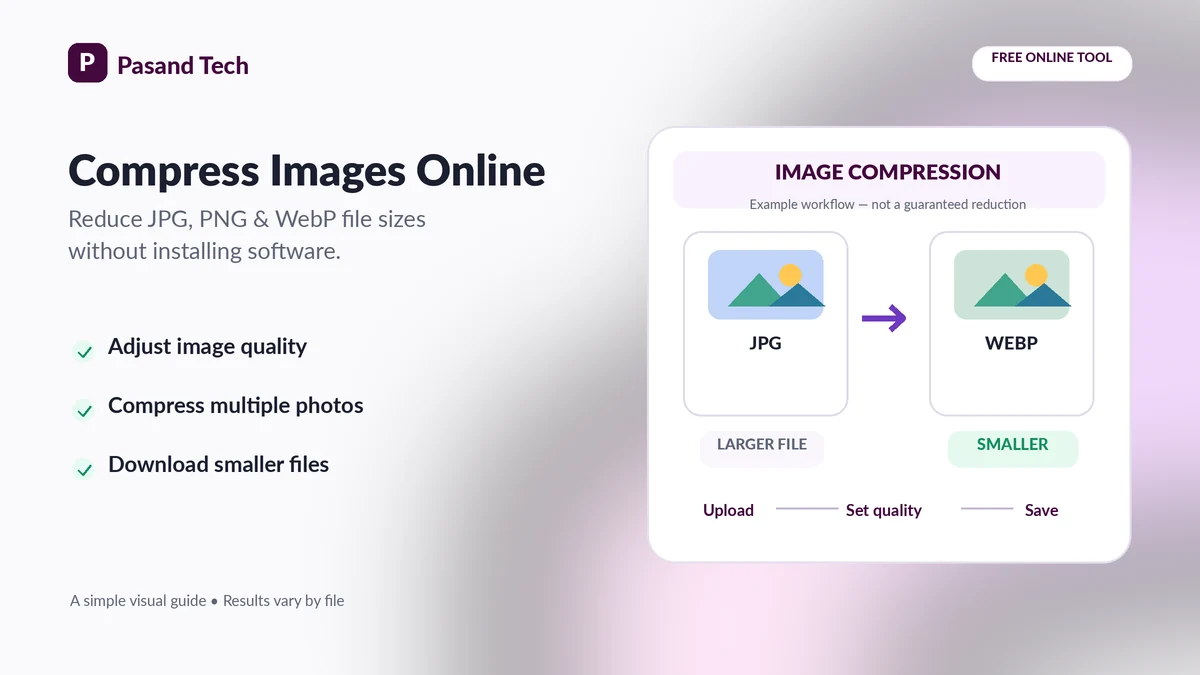
Large photos slow down webpages, take longer to share and may exceed upload limits. This online image compressor helps reduce JPG, PNG and WebP file sizes without installing software. Add a photo, select how much visual quality to preserve, optionally resize oversized dimensions, and download the output. Process up to 10 images together, with a ZIP option for completed files.
Unlike tools that require sending photos to a remote service, the compression work runs in your browser. You can preview file-size savings for each picture before downloading. The amount saved depends on the original format, dimensions, image detail and settings—no fixed percentage is guaranteed.
How to Compress Images Online in 3 Steps
Choose images
Drag in JPG, JPEG, PNG or WebP files, or select them from your phone or computer.
Set quality and dimensions
Start with Balanced. Keep original dimensions or set optional maximum width and height.
Compress and download
Compare each original and output size; download individually or save a ZIP.
Choose the Right Image Compression Settings
| Format | Best for | What to expect |
|---|---|---|
| JPEG / JPG | Photos, portraits, product images | Quality slider changes compression; does not support transparent areas. |
| PNG | Transparent logos, screenshots, graphics with text | Lossless output; changing JPEG-style quality alone may do little. |
| WebP | Modern websites, photos and graphics | Often gives efficient compression and supports transparency. |
For large camera photos, reducing maximum width (for example, to 1920 px for general web display) may save more space than lowering quality alone. Choose dimensions based on the actual place your image will appear—do not shrink images needed for high-resolution printing.
Common Uses for an Image Size Reducer
Website & WordPress images
Make oversized blog, banner and WooCommerce product photos lighter before adding them to a page.
Email & sharing
Reduce camera-image attachments that are inconvenient to send on slower connections.
Photo & document forms
Try a lower quality setting for JPG photos, then verify your portal's size, pixel and format rules.
Lossy vs lossless image compression
Lossy compression removes some visual information so a file can be much smaller. JPEG and lossy WebP use this approach. Lossless formats preserve the encoded image detail but may not shrink as much. For small text and sharp graphics, compare the compressed file closely before using it.
Before uploading your image
- Check whether the application requests JPG, PNG or another format.
- Check both maximum file size and required pixel dimensions.
- For transparent graphics, keep PNG or WebP rather than JPEG.
- Keep an untouched original so you can export again if needed.
Frequently Asked Questions
How can I compress an image online for free?
Choose up to 10 JPG, PNG or WebP images, select your quality setting and download the results. Processing happens locally in your browser; an account is not required.
Can I compress JPG without changing the image dimensions?
Yes. Leave the optional maximum width and height fields blank. The compressor re-encodes the image at the selected quality without intentionally changing its pixel dimensions.
Can I compress a PNG without losing transparency?
Yes, when the output format stays PNG or WebP. Avoid JPEG for transparent logos because JPEG does not support transparency and transparent areas will become white.
Why does the PNG quality slider not reduce file size much?
Browser PNG export uses lossless encoding, so the quality slider does not behave like it does for JPEG or WebP. For photographic PNGs, converting to WebP or JPEG can make a bigger difference.
Can I compress an image to exactly 20KB, 50KB or 100KB?
This compressor provides quality and dimension controls, not an exact-KB guarantee. Reduce quality or dimensions, download the image, and check its final size before submitting it to a portal.
Is WebP better than JPG for websites?
WebP can provide smaller files at comparable visual quality for many images, while JPEG remains broadly compatible. Test both formats, especially for photographs and product pictures.
Does compression reduce image quality?
JPEG and WebP are usually lossy at quality settings below 100%, while PNG encoding is lossless. Start with Balanced or High Quality and inspect text, faces and edges after downloading.
Will a smaller picture make my website faster?
Often, yes. Smaller image transfers can improve page loading, especially on mobile connections. Actual performance also depends on image dimensions, caching, responsive markup and lazy loading.
Do you upload my photos to a server?
No. The compression engine reads the selected images in your browser and creates a downloadable output locally. Your site may still load normal page resources or advertising scripts.
What if the compressed image becomes bigger?
In Auto format, with no resize, the tool can keep the original if re-encoding would increase file size. Changing to a different format can still produce a larger file depending on the source.
Related Free Tools by Pasand Tech
Choose a tool that matches your file-size and document requirements.